.png)

 LogicLens for Chrome
Check the reasoning in what you read.
It highlights loaded language, weak reasoning and rhetorical tactics on the page itself.
How to use the extension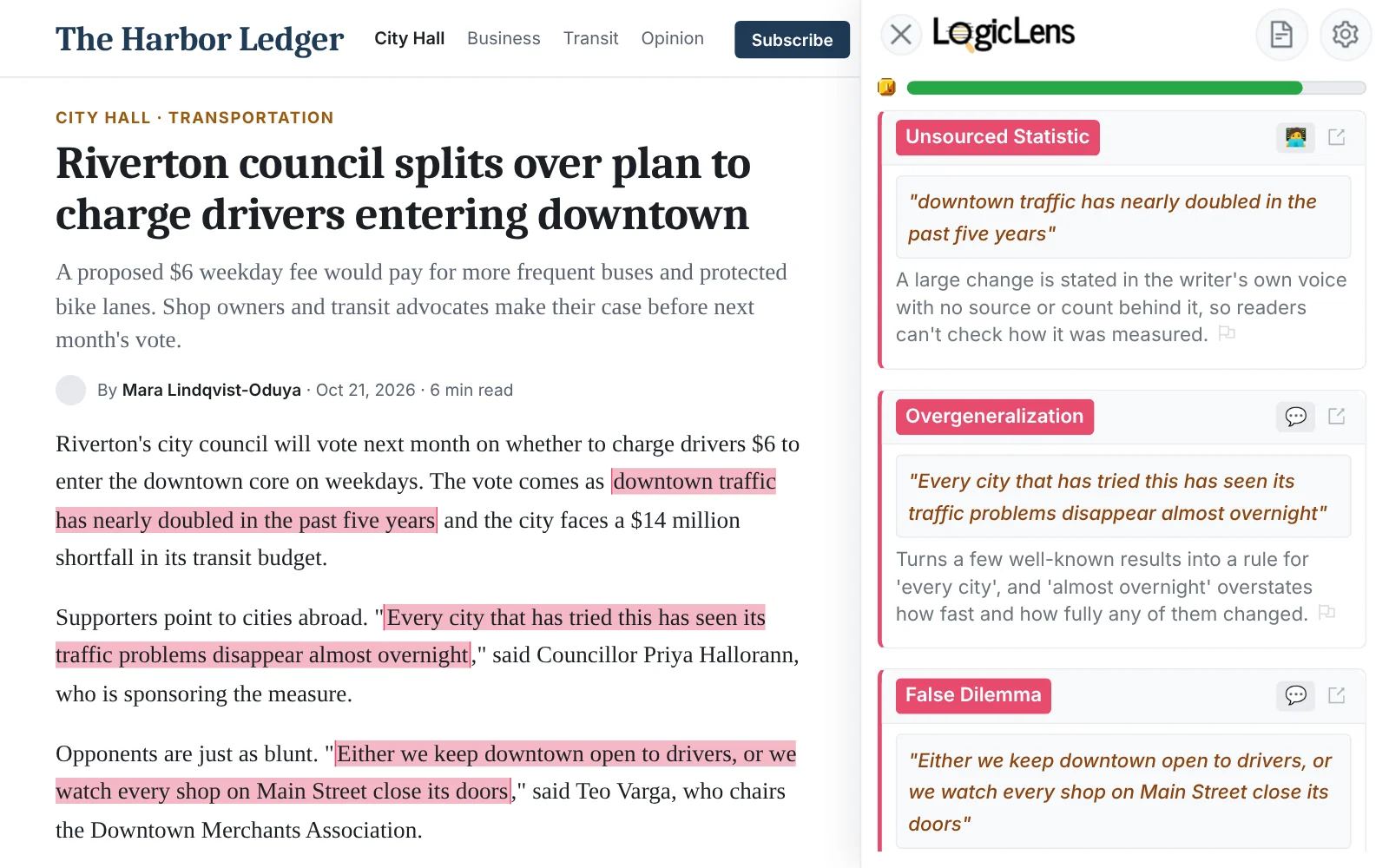
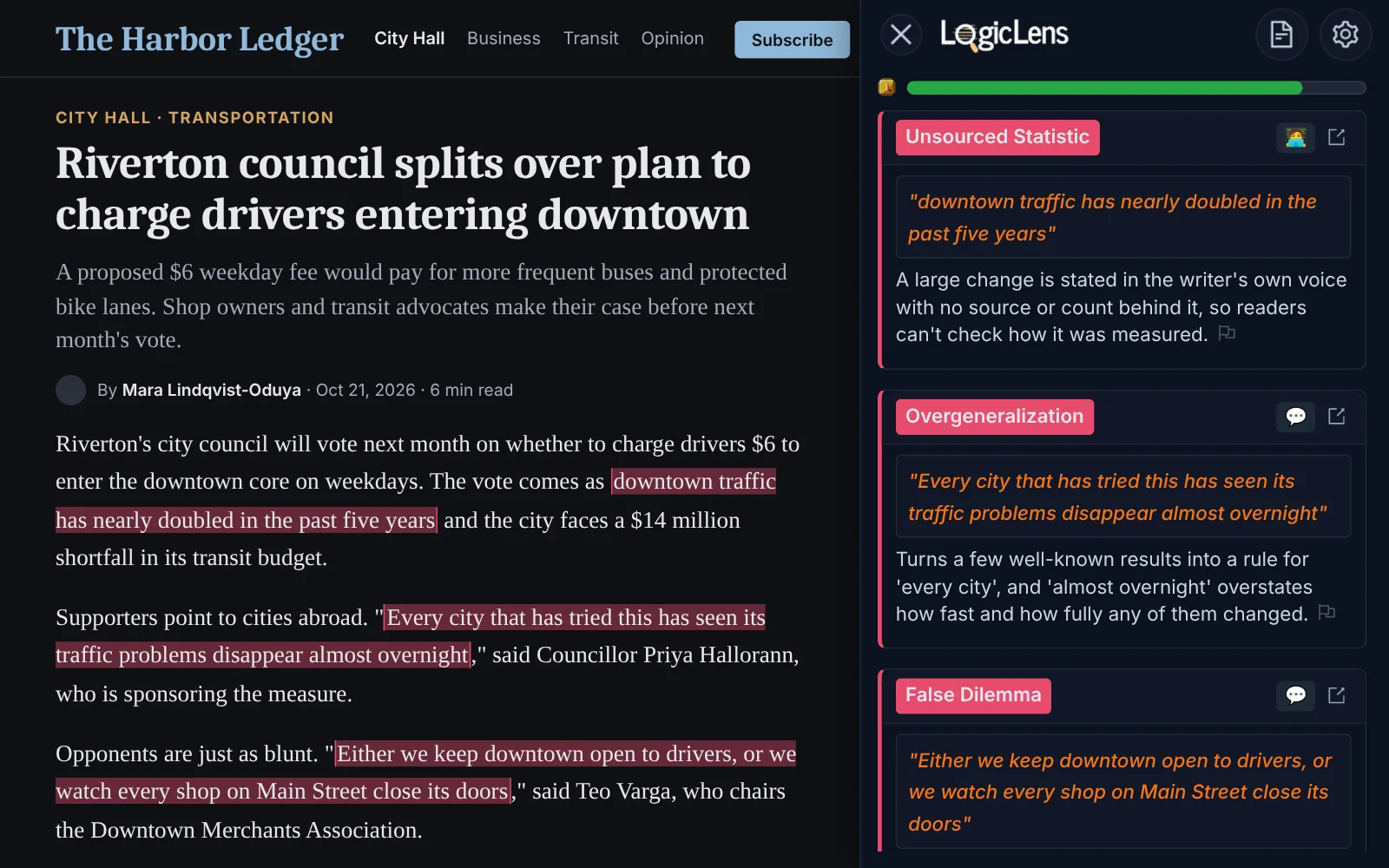
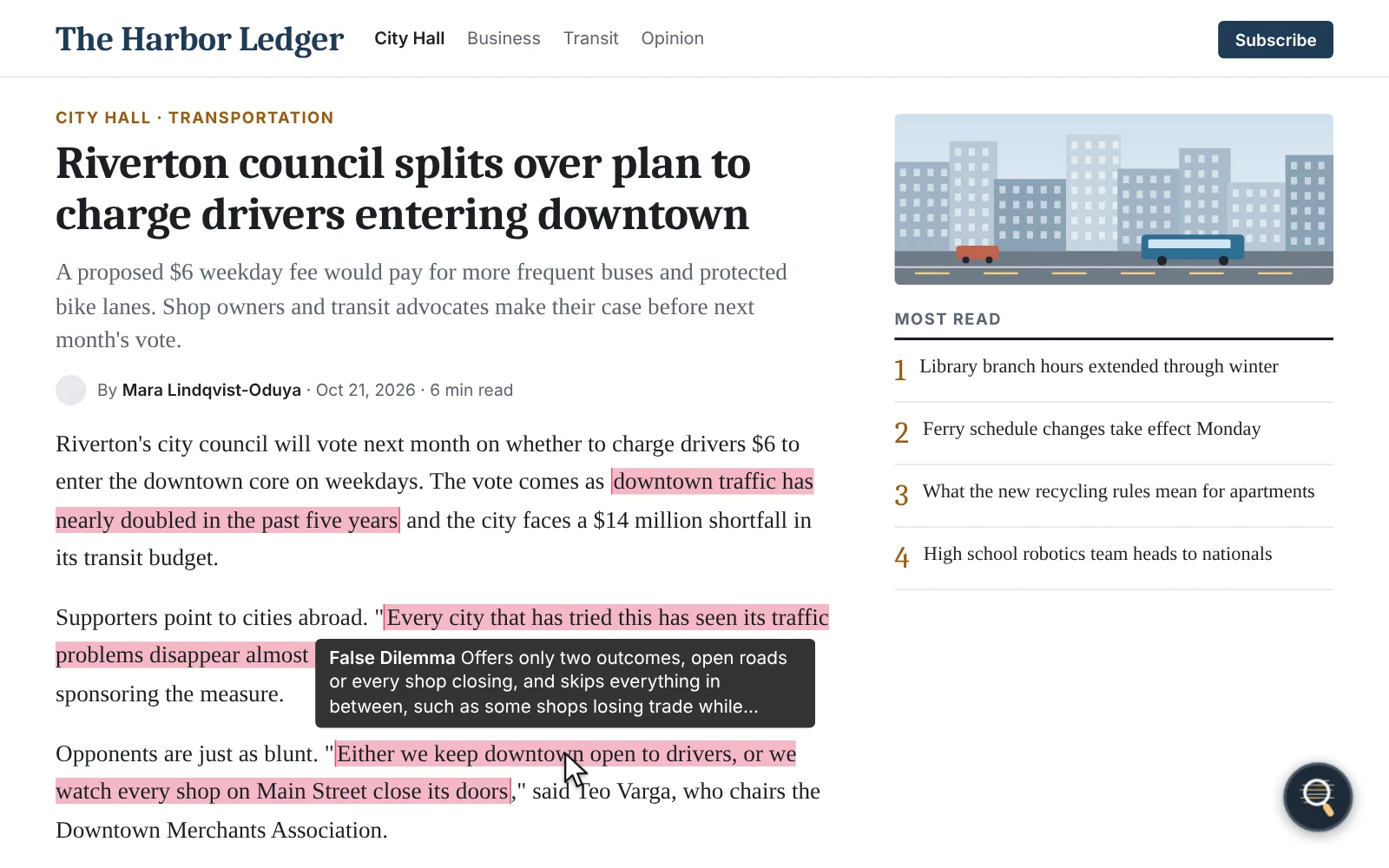
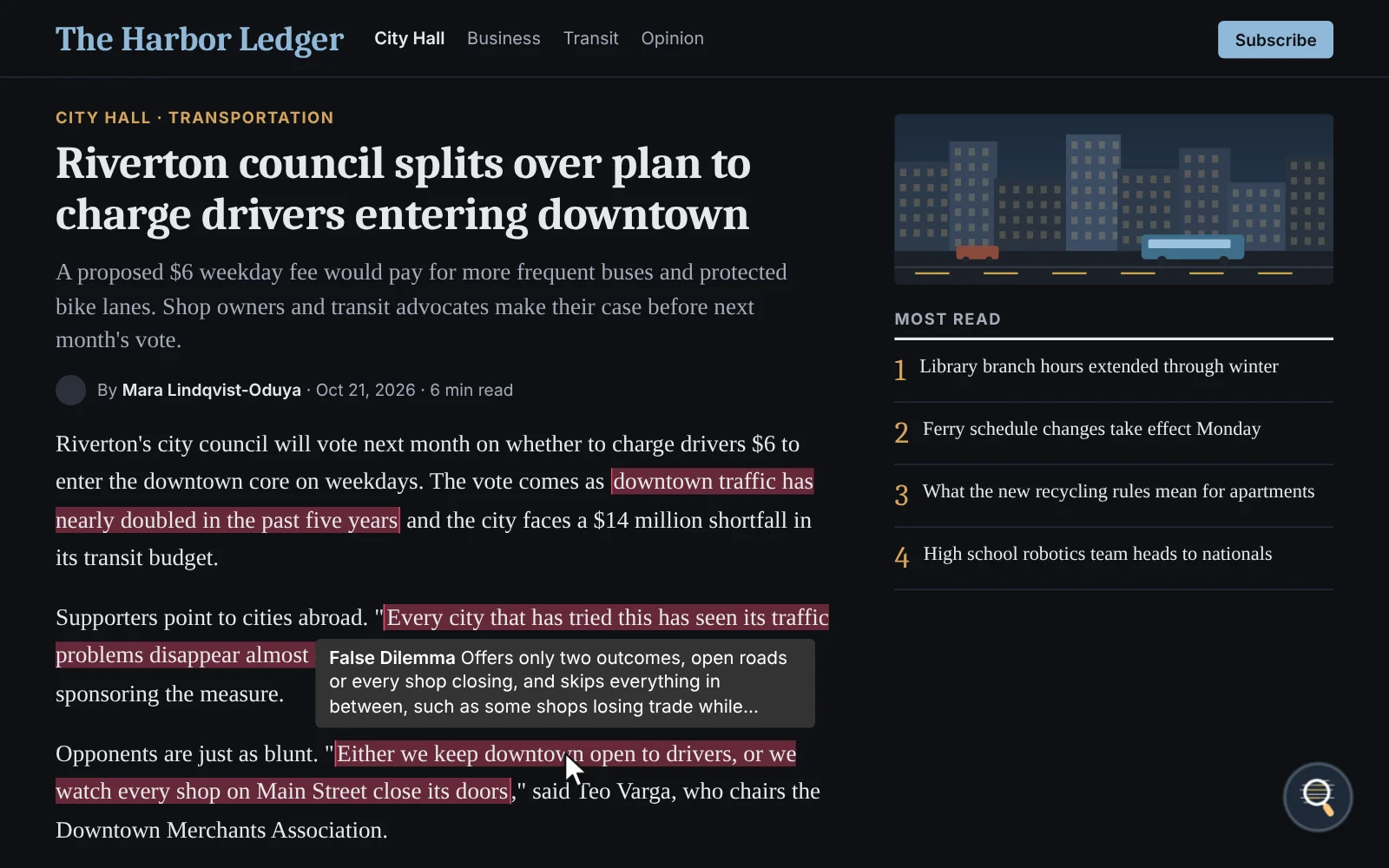
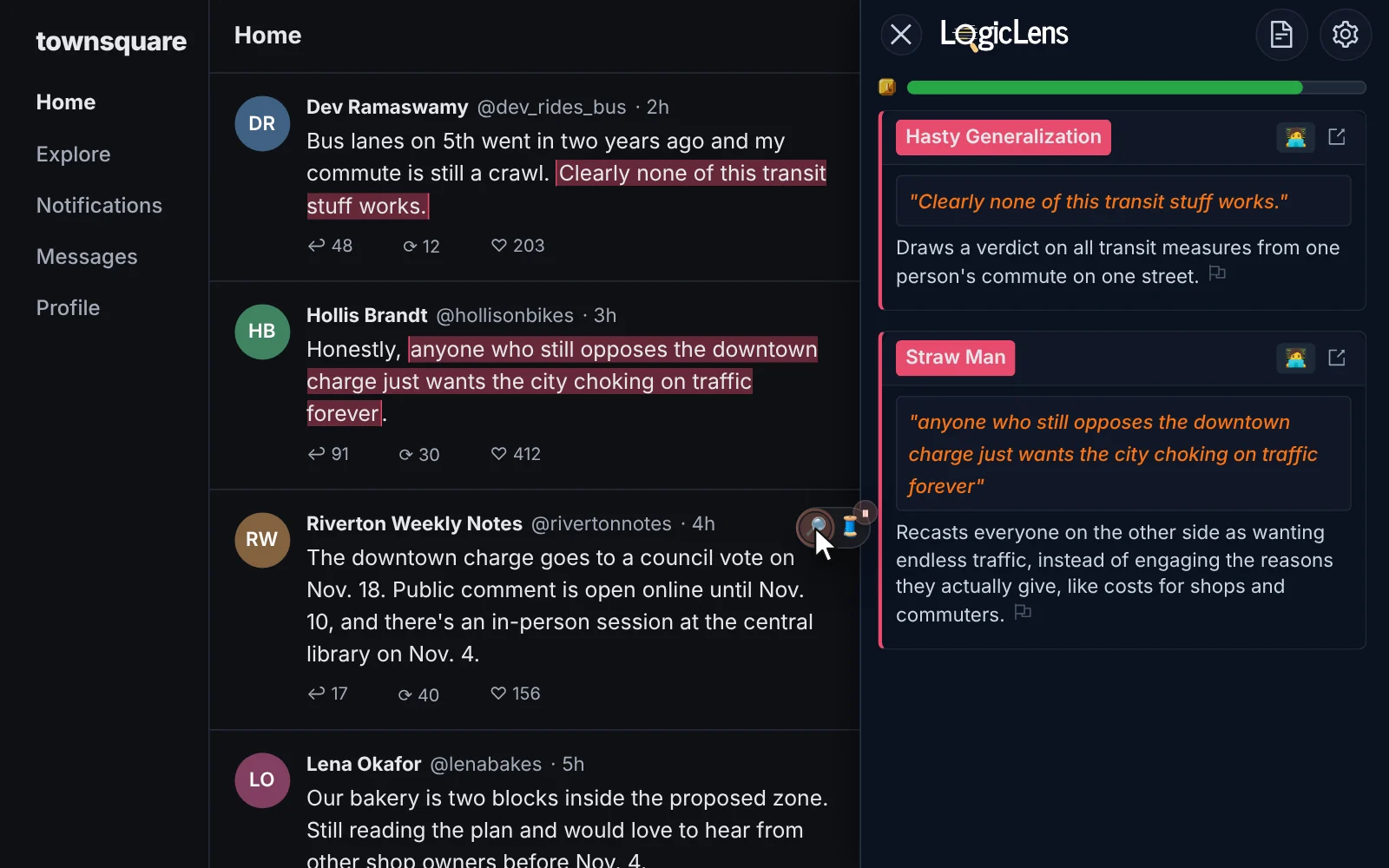
Highlights the issue and explains it
The words doing the persuading are highlighted where they appear. Hover over one for a short note, or open the sidebar to see what the issue is and why it matters.
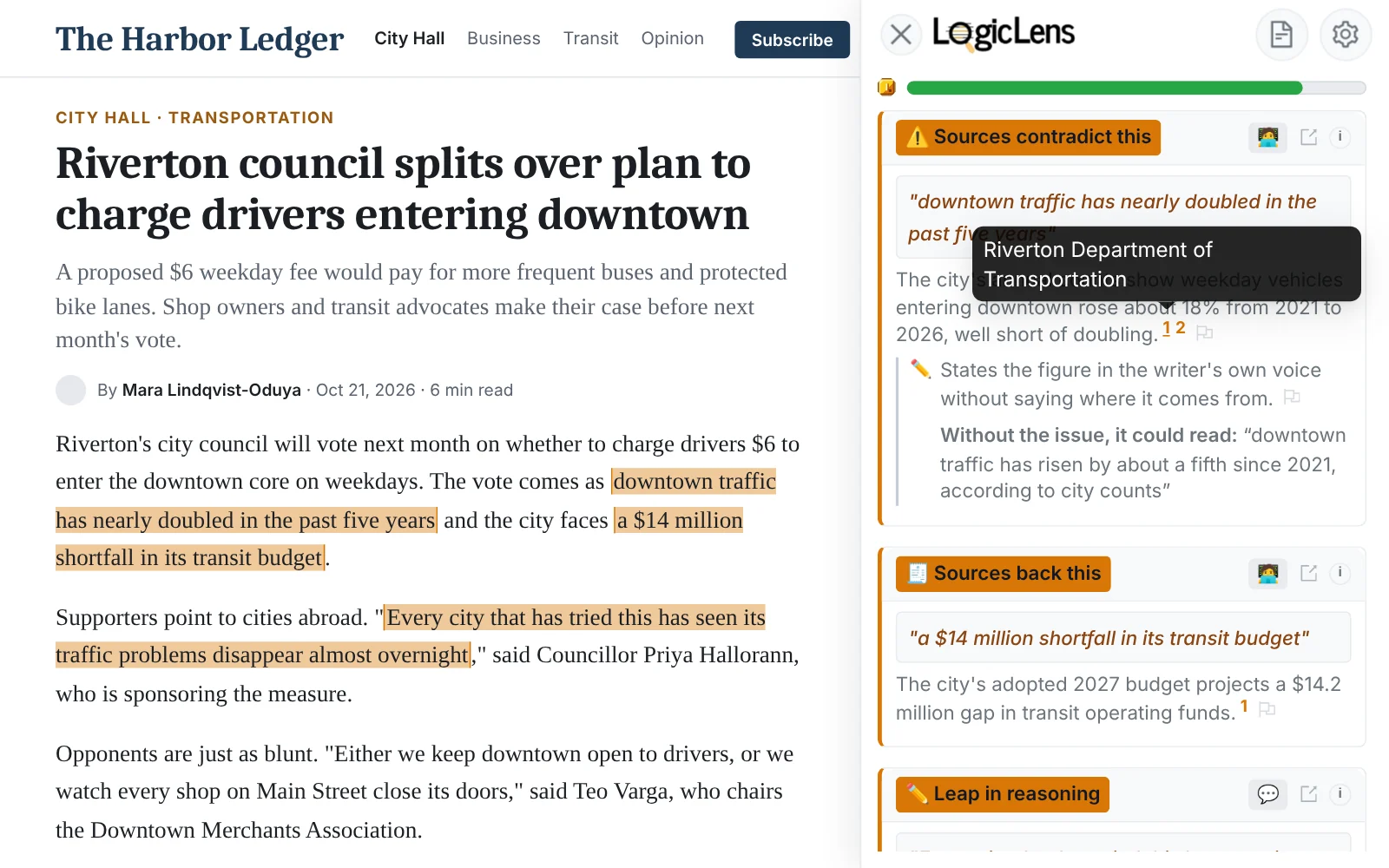
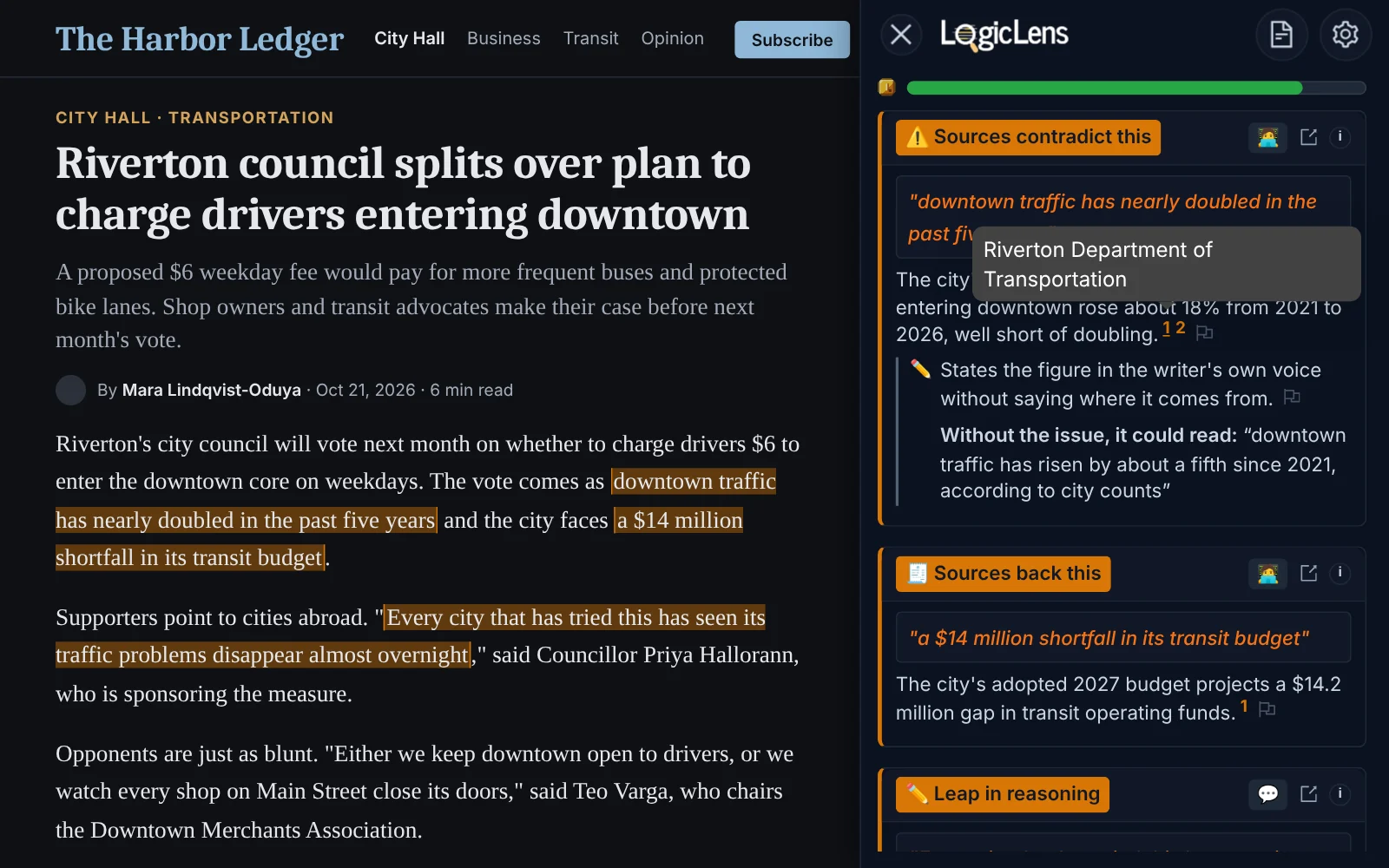
Checks facts against sources
When a claim can be checked, you get a verdict, a short explanation and the sources it's based on. If there isn't enough to go on, it says so.
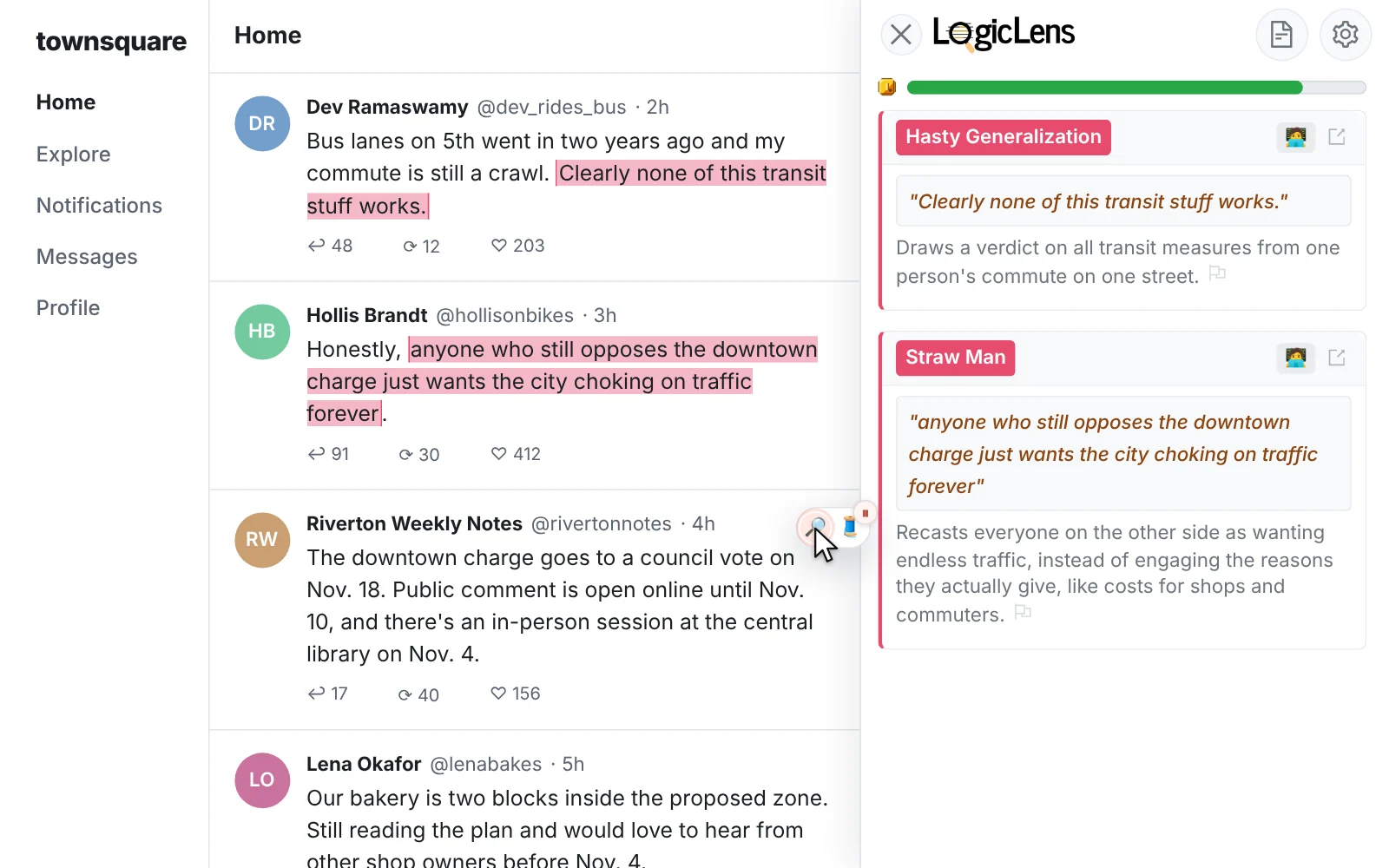
Works on posts and comments
On social media, each post and comment gets a magnifying-glass button. Click it to check just that one.
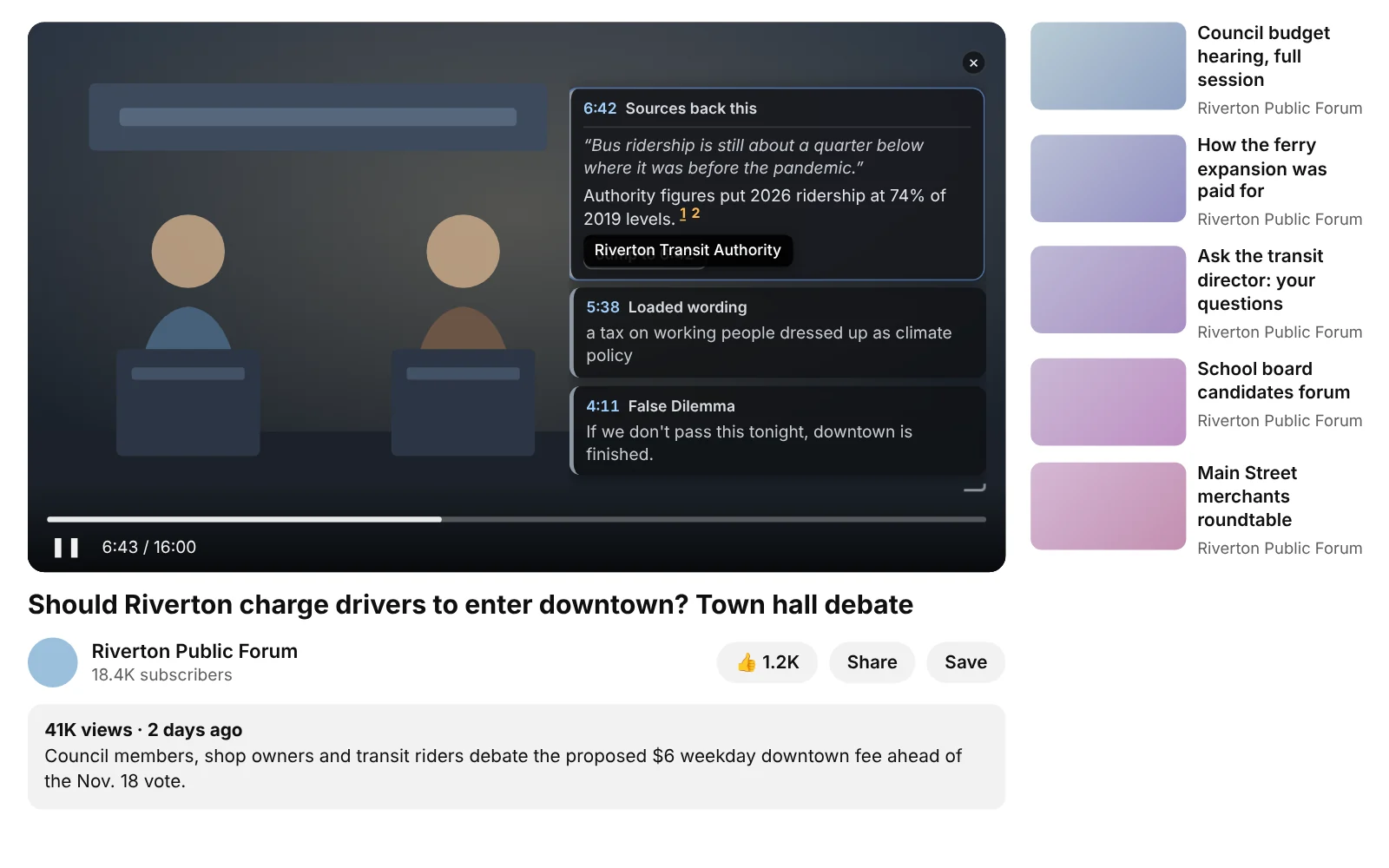
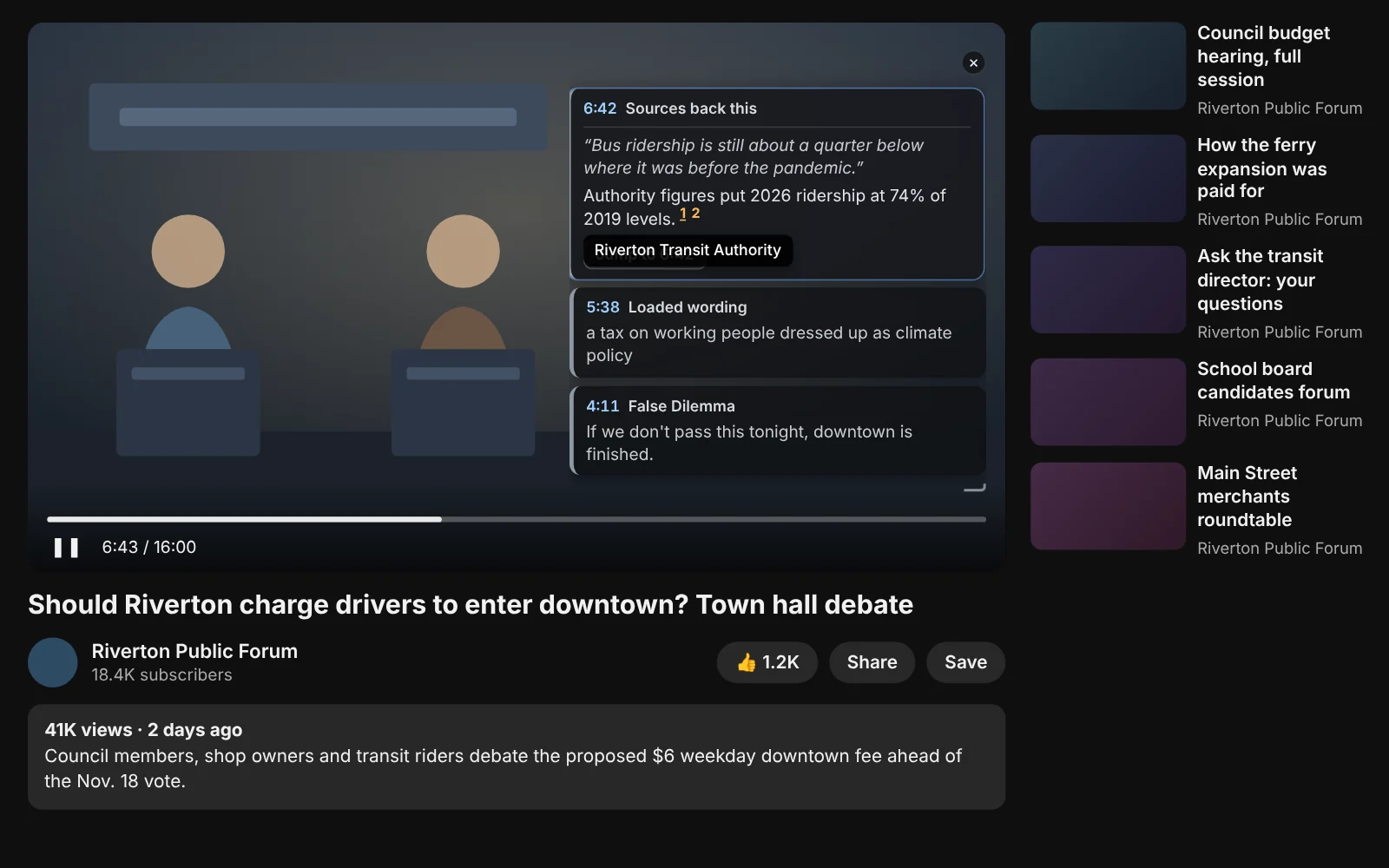
Checks YouTube videos
On YouTube, it checks what's said and shows each finding as a card on the video, at the moment it comes up.
It doesn't take sides
It looks at how an argument is made. It doesn't say which side is right.